Censor swearing in Instagram Reels
Your Reel, minus the swearing. Bleeped audio, blurred mouth, nothing left to lip-read.
Allowed, but not recommended
Instagram draws a line between what is allowed and what it will put in front of people who do not follow you. Its Recommendations Guidelines describe content that stays on your profile but is held back from Explore and from Reels shown to non-followers, and strong language sits in the grey zone around them. A Reel can be within the rules and still only reach your existing audience.
That matters for two kinds of account. Anyone growing on Reels depends on non-follower reach, which is exactly the distribution the guidelines gate. And anyone doing brand work gets a second filter: partnership and branded content is judged on advertiser suitability, and clean audio is usually the first thing a brand asks for, before anything about the edit.
Reels are also close-up and often watched with the sound off, so the mouth tells the story. A bleep without a blur leaves the word readable on mute, and that is how a lot of people watch. Redactify's Instagram Safe preset covers common swearing, slurs, sexual content, violence and sensitive topics, bleeps or mutes each word, and blurs the speaker's mouth for exactly that word. Upload the exported Reel, including one you cut for TikTok first, and post the file you get back; the captions Instagram generates are then made from the clean audio.
Blur the mouth too
Watched on mute, the mouth is the only thing saying the word. The blur covers it for the length of each censored word.
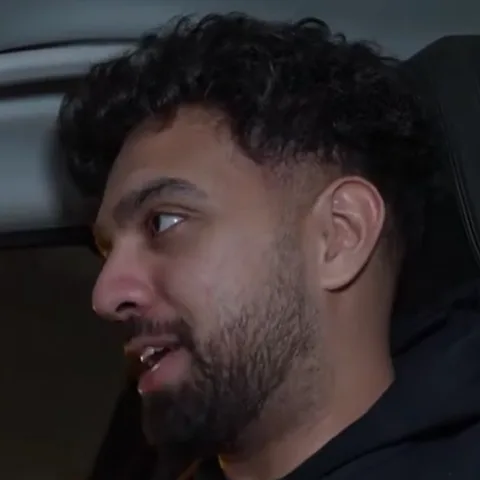

Bleep, silence or your own sound
Reels usually carry music. A bleep or a mute replaces that moment of the whole mix; a custom sound can match the track.
Reach beyond your followers
Non-follower reach is what the guidelines gate. Post the clean cut and language is not the reason you miss it.
Questions
Last updated
Will it change my video quality?
Redactify works from your original file and gives you back a full-quality clean version, so there's no extra compression step on your side.
What does Instagram Safe catch?
Common swearing, slurs, sexual content, violence and sensitive topics. Add or remove categories, or add your own word lists on Pro.
Can I keep the music under the swear?
Censoring works on the mixed track, so for the fraction of a second the word lasts, the music is replaced too. Pick Bleep rather than Silence if you would rather the gap were covered, or lay the music back over the clean file in your editor if you have it separately.
Do Instagram's captions show the word?
Instagram generates captions from the audio it receives. Upload the censored Reel and the word is not there to be transcribed.
Does it work on a Reel I cut for TikTok first?
Yes. Upload the exported MP4 or MOV from whichever editor it came from, and post the clean version to both.
What about a Reel with two people in it?
Each speaker is found separately. Mark each face once and only the person who swore is blurred, only while they say it.
Is Redactify free?
You can try it free: new accounts get 30 credits, no card needed. Audio costs 1 credit a minute and video with mouth blur costs 2. Pro is $5/month for 75 credits, Premium $20/month for 350, or top up at $0.10 a credit.
Redactify, or be [redacted]
30 free credits on sign-up. No card needed.
Try it free