Censor curse words in YouTube videos
Upload your video, pick bleep, mute or your own sound, download a clean version. Keep the jokes, lose the words that cost you ads.
How YouTube reads swearing
YouTube does not have a swear counter. Its advertiser-friendly content guidelines describe language in terms of strength, frequency and placement, and the three interact. Moderate language through a video is treated very differently from strong language, strong language used once is different from strong language used throughout, and anything in the title or thumbnail is judged on its own. The opening of the video also gets special attention, which is why the first thing many creators clean is the first minute.
Three details catch people out. First, the rules have been revised more than once, and the thresholds that applied last year may not apply now; YouTube keeps a page of recent ad guideline updates, and it is worth a look before you argue with a yellow icon. Second, censored language is treated more favourably than uncensored language, but a half-bleep that still lets the word through is not censored. Third, when you upload you self-certify your own video; answer the language questions honestly, because a mismatch between your answers and what the system hears is what triggers a closer review.
What censoring fixes is the language itself: once every strong word is bleeped or muted, language stops being the reason a video is limited. It does not change anything else YouTube looks at, such as the topic, violence or what is on screen. Redactify's YouTube Ad-Friendly preset is built around the language categories that matter here, including light profanity and religious terms, which the other presets leave alone.
Bleep, silence or your own sound
A bleep makes the edit obvious and reads as a joke. A mute is quieter for interviews and tutorials. Your own sound is yours.
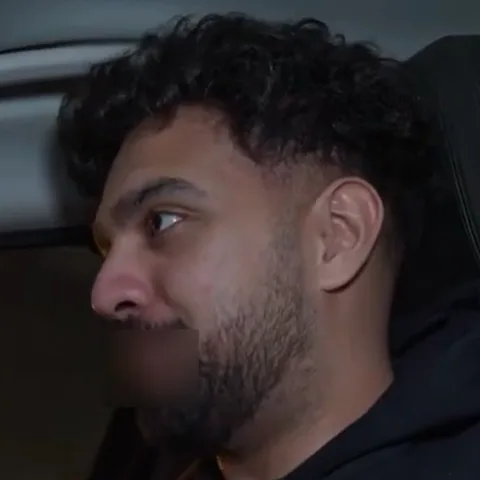
Blur the mouth too
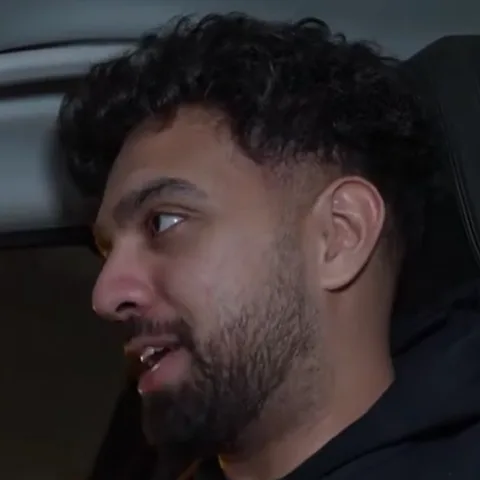
A bleeped f-word on a close-up is still readable. The blur takes the mouth out of it for exactly that word.
Check the list before you download
Every word is listed with its time. Untick a false positive, or keep a word in on purpose, before you download.
Questions
Last updated
Will censoring guarantee my video is fully monetised?
No tool can promise that. YouTube looks at the whole video, not just language. Redactify removes the swearing reliably, so language isn't the reason you get limited ads.
Should I censor before or after uploading?
Before. Re-uploading creates a new video with new views and comments, so censor the file and upload once. If a published video is already limited, a clean re-upload is still the fix, but you lose the history.
Do YouTube's auto captions show the word?
YouTube generates captions from the audio you upload. Upload the censored file and there is no word there to transcribe. If you upload your own subtitle file, use a redacted version; Pro can export .SRT or .VTT with the swears masked.
What about swearing from a guest or in a clip I react to?
It is all speech in the file, so it is all found. Each speaker is separated, and for mouth blur you mark who is on camera and who is not.
Can I get subtitles too?
Yes. On Pro and Premium you can download .SRT or .VTT subtitles with swears shown raw, partly censored (f**k) or fully redacted.
Does it work on Shorts?
Yes. Any length from a few seconds up to 8 hours works, and vertical video is fine.
Is Redactify free?
You can try it free: new accounts get 30 credits, no card needed. Audio costs 1 credit a minute and video with mouth blur costs 2. Pro is $5/month for 75 credits, Premium $20/month for 350, or top up at $0.10 a credit.
Redactify, or be [redacted]
30 free credits on sign-up. No card needed.
Try it free